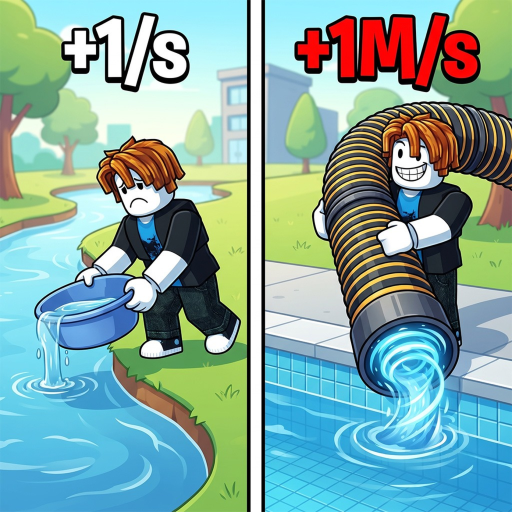
Start with the pool
The official description says players drain a pool and receive +1 WATER per click. Watch the in-game counter so you know which value is changing.
Drain the pool, confirm the +1 WATER baseline, then choose an upgrade with a visible drain or rate benefit before chasing later Areas or Lakes.
Start from the Roblox game page linked in the Public Links section.
Watch the water counter and pool state instead of guessing from a similar Roblox title.
Use the calculator with your current and candidate effective rates when the game shows them.
Once the first loop is clear, read the pool progression guide for bigger pools, Areas, Lakes, Wins, and Water Master.
The official description says players drain a pool and receive +1 WATER per click. Watch the in-game counter so you know which value is changing.
The description also names upgrades that add more water and help players drain faster. Record the visible effect before spending a scarce resource.
Fish, Pets, bigger pools, Areas, Lakes, Wins, and Water Master are named systems, but their full rosters and thresholds are not in the selected public source.
Return to the pool loop and record the before/after value for a few clicks.
Leave its cost or multiplier blank and use the player-entered calculator mode.
Check the in-game unlock text and compare it with the Areas page before assuming a threshold.
A similar title is not evidence for this game's water, pool, Fish, or Pet values.
Keep a scarce resource until the upgrade screen makes its benefit clear.
The public description names Fish and Pets but does not provide every name, multiplier, or rank.
Estimate clicks from your current rate.
Follow the named pool and Area systems.
Browse Fish, Pets, Wins, and Water Master.
Return to the guide hub when your next question is about a different part of the run.